 Widgeteer
On Shopify: open Widgeteer from Apps in your Shopify admin. The steps are the same from there.
Your business runs on Microsoft 365. Excel, Teams, Outlook.
Power Automate connects to all of it. Every submission can start a flow.
In Power Automate
At the time of writing, the HTTP trigger needs a Power Automate Premium licence, or a trial. Plans change, and yours may differ. Check with Microsoft.
- Make a new flow with the When an HTTP request is received trigger.
- Set Who can trigger the flow to Anyone. The default only lets signed-in Microsoft users in, so Widgeteer would be turned away.
- Save the flow. That’s when it makes the URL.
- Copy the URL from the trigger.
In Widgeteer
Open your widget, click Create action under When someone submits this widget, then pick Microsoft Power Automate.
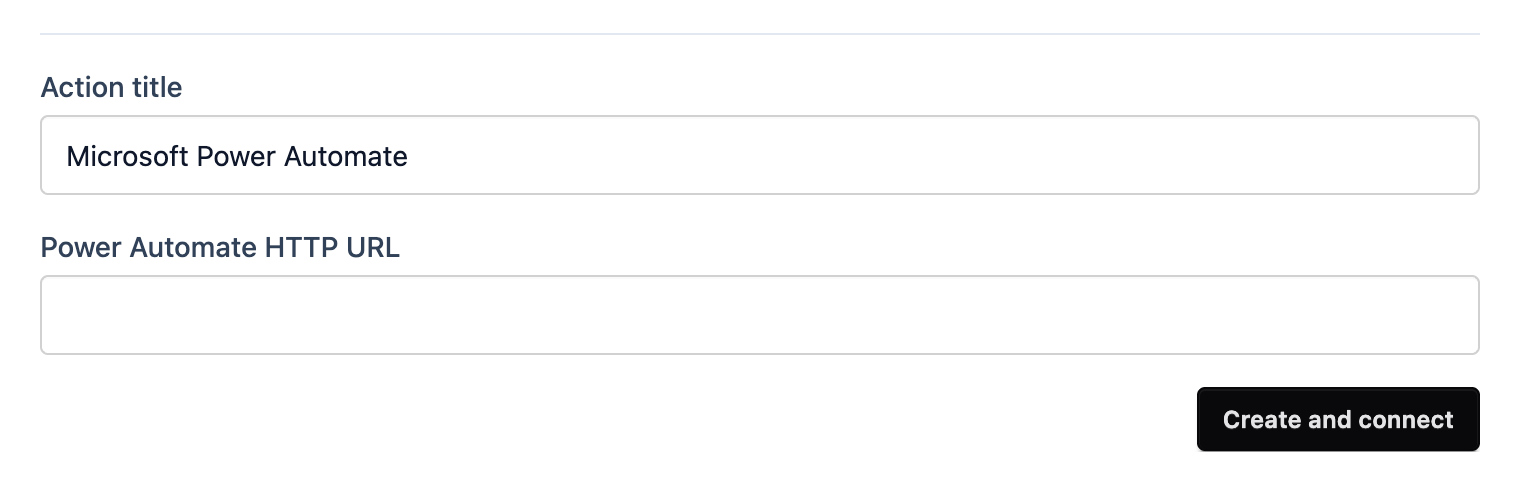
- Give it a title you’ll recognise.
- Paste the URL into Power Automate HTTP URL.
- Click Create and connect.
Submit a test from the preview and check the flow’s run history.