 Widgeteer
On Shopify: open Widgeteer from Apps in your Shopify admin. The steps are the same from there.
Already collecting forms with Formspark?
Keep it all in one place. Every submission gets forwarded there too.
In Formspark
- Make a form at formspark.io.
- Leave its spam protection off. Formspark would block Widgeteer.
- Copy its form endpoint URL.
In Widgeteer
Open your widget, click Create action under When someone submits this widget, then pick Formspark.
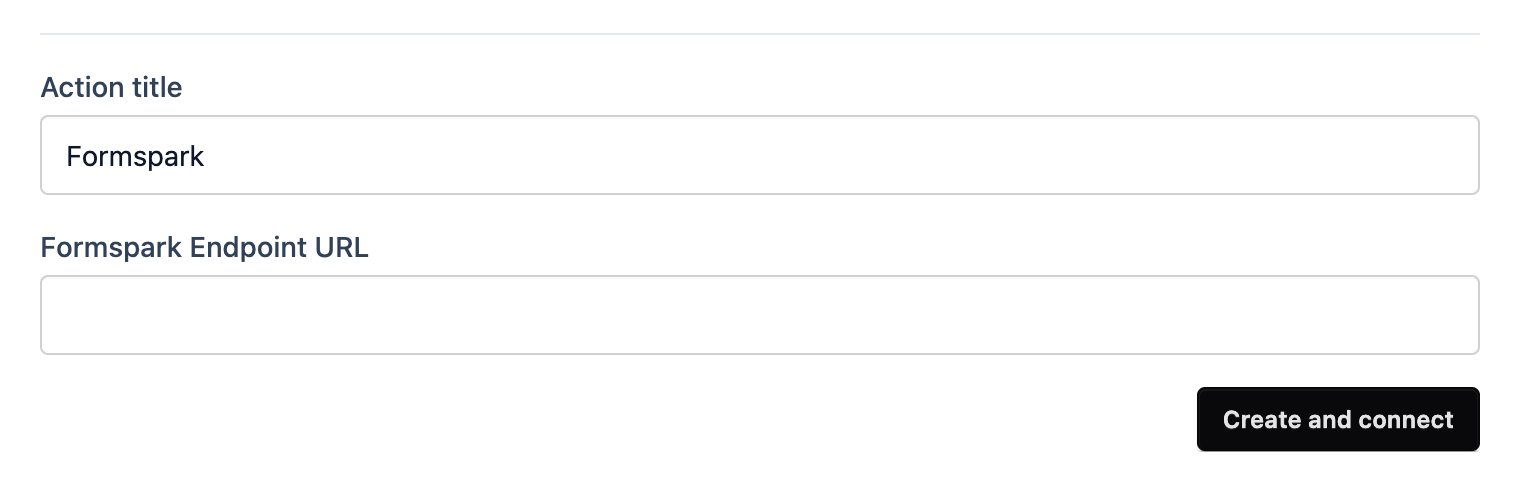
- Give it a title you’ll recognise.
- Paste the URL into Formspark Endpoint URL.
- Click Create and connect.
Submit a test from the preview and check your Formspark inbox.