 Widgeteer
On Shopify: open Widgeteer from Apps in your Shopify admin. The steps are the same from there.
Want your phone to buzz when someone books? Or a light to flash?
That’s IFTTT territory. Every submission can trigger an applet.
In IFTTT
At the time of writing, the Webhooks triggers need IFTTT Pro. Plans change, and yours may differ. Check with IFTTT.
- Open the Webhooks service at ifttt.com/maker_webhooks and click Documentation. Your key is at the top.
- Make an applet with Webhooks as the trigger. Pick Receive a web request with a JSON payload, and give the event a name.
- Build the URL:
https://maker.ifttt.com/trigger/EVENT/json/with/key/KEY, with your event name and key.
The answers arrive as JsonPayload. The plain Receive a web request trigger only reads Value1 to Value3, so your fields would come through empty.
In Widgeteer
Open your widget, click Create action under When someone submits this widget, then pick IFTTT.
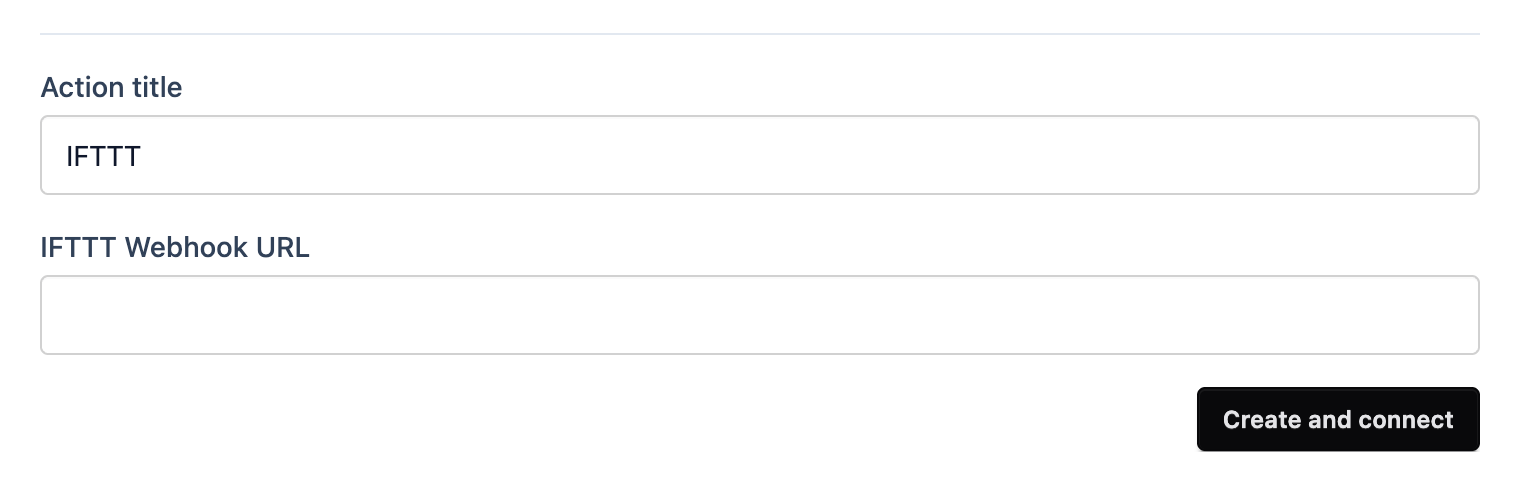
- Give it a title you’ll recognise.
- Paste the URL into IFTTT Webhook URL.
- Click Create and connect.
Submit a test from the preview and watch your applet run.