 Widgeteer
On Shopify: open Widgeteer from Apps in your Shopify admin. The steps are the same from there.
You run n8n. Maybe on your own server.
Good. Every submission can start a workflow there.
In n8n
- Add a Webhook node as the trigger of your workflow.
- Set the HTTP Method to POST.
- Copy its Production URL, then Publish the workflow.
In Widgeteer
Open your widget, click Create action under When someone submits this widget, then pick n8n.
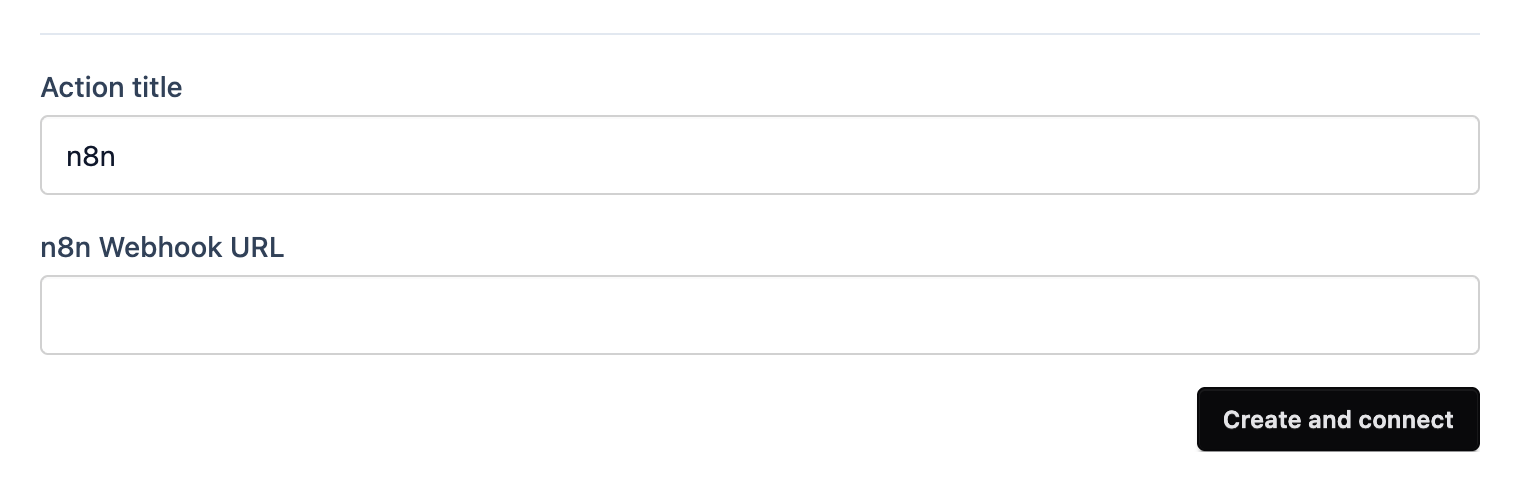
- Give it a title you’ll recognise.
- Paste the URL into n8n Webhook URL.
- Click Create and connect.
Testing? Use the Test URL for a moment and click Listen for test event, then submit from the preview. Swap back to the Production URL when you’re done.