 Widgeteer
Your business runs on Microsoft 365. Excel, Teams, Outlook.
Power Automate connects to all of it. Every submission can start a flow.
In Power Automate
At the time of writing, the HTTP trigger needs a Power Automate Premium licence, or a trial. Plans change, and yours may differ. Check with Microsoft.
- Make a new flow with the When an HTTP request is received trigger.
- Set Who can trigger the flow to Anyone. The default only lets signed-in Microsoft users in, so Widgeteer would be turned away.
- Save the flow. That’s when it makes the URL.
- Copy the URL from the trigger.
In Widgeteer
Open your widget, click Create action under When someone submits this widget, then pick Microsoft Power Automate.
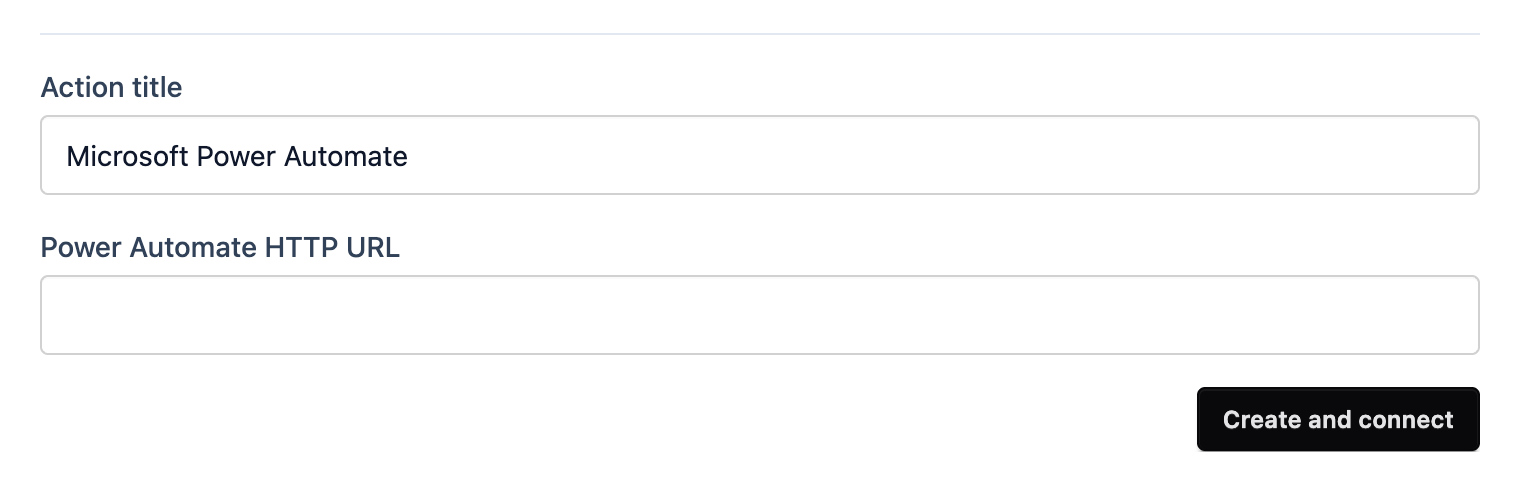
- Give it a title you’ll recognise.
- Paste the URL into Power Automate HTTP URL.
- Click Create and connect.
Submit a test from the preview and check the flow’s run history.