 Widgeteer
You want submissions in Google Sheets. Or HubSpot. Or Slack.
Zapier already talks to all of them. So we hand each submission to your Zap, and it does the rest.
In Zapier
At the time of writing, Webhooks by Zapier needs a paid plan. Plans change, and yours may differ. Check with Zapier.
- Make a new Zap.
- For the trigger, pick Webhooks by Zapier and the Catch Hook event, then click Continue.
- Copy the webhook URL on the Test tab.
In Widgeteer
Open your widget, click Create action under When someone submits this widget, then pick Zapier.
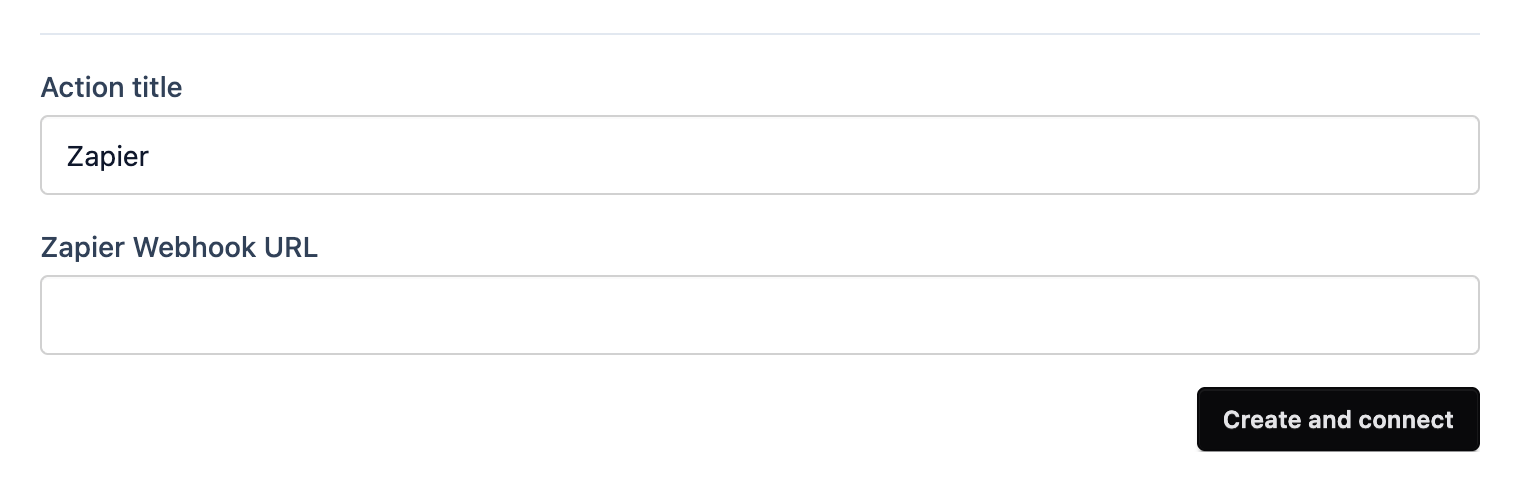
- Give it a title you’ll recognise, like “Leads to Sheets”.
- Paste the URL into Zapier Webhook URL.
- Click Create and connect.
Now submit a test from the preview. Back in Zapier, click Test trigger and you’ll see every field, ready to map.
Add your action steps, then Publish the Zap. A draft Zap doesn’t run.