 Widgeteer
Your widget is ready. Now it needs a home.
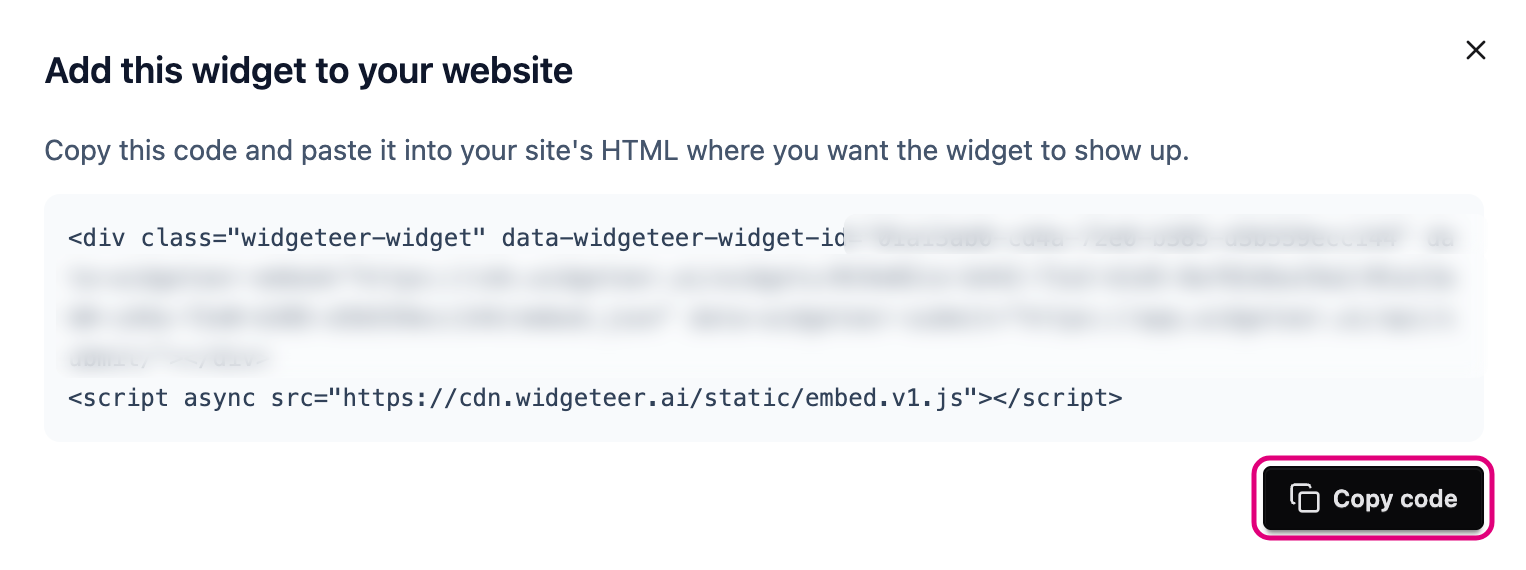
Every widget comes with a small piece of code. Paste it where you want the widget, and that’s it.
-
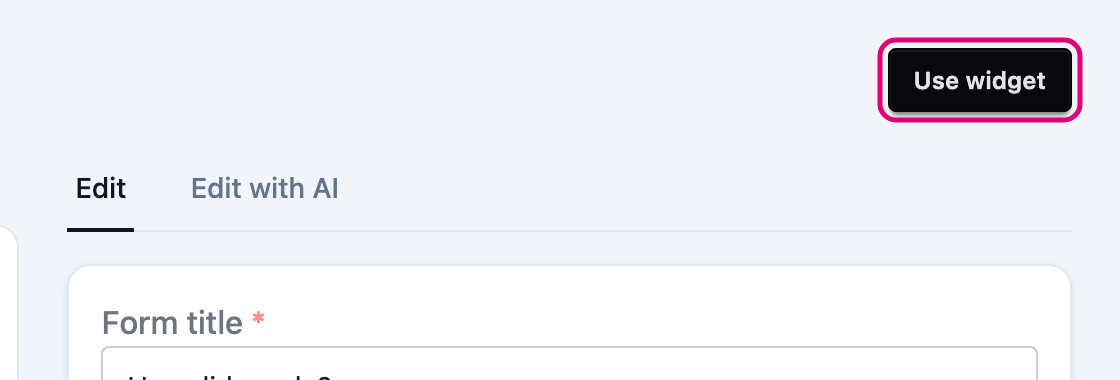
Open your widget and click Use widget.
-
Click Copy code.
-
In your website builder, add an HTML or “embed code” block where you want the widget.
-
Paste the code and publish the page.
Good to know
- Edits you save in Widgeteer show on your site straight away. No need to paste the code again.
- The widget keeps its own styles, so it won’t clash with your site’s.
- On Shopify or WordPress? Use the Shopify app or the WordPress plugin instead. No code needed.