 Widgeteer
You want submissions in a spreadsheet. Or your CRM. Or a Slack channel.
That’s what actions are for. An action decides what happens when someone submits your widget.
We don’t try to connect to every app out there. Zapier, Make and n8n already do. So there are actions for them, and for a few favourites.
Open your widget and click Create action under When someone submits this widget.
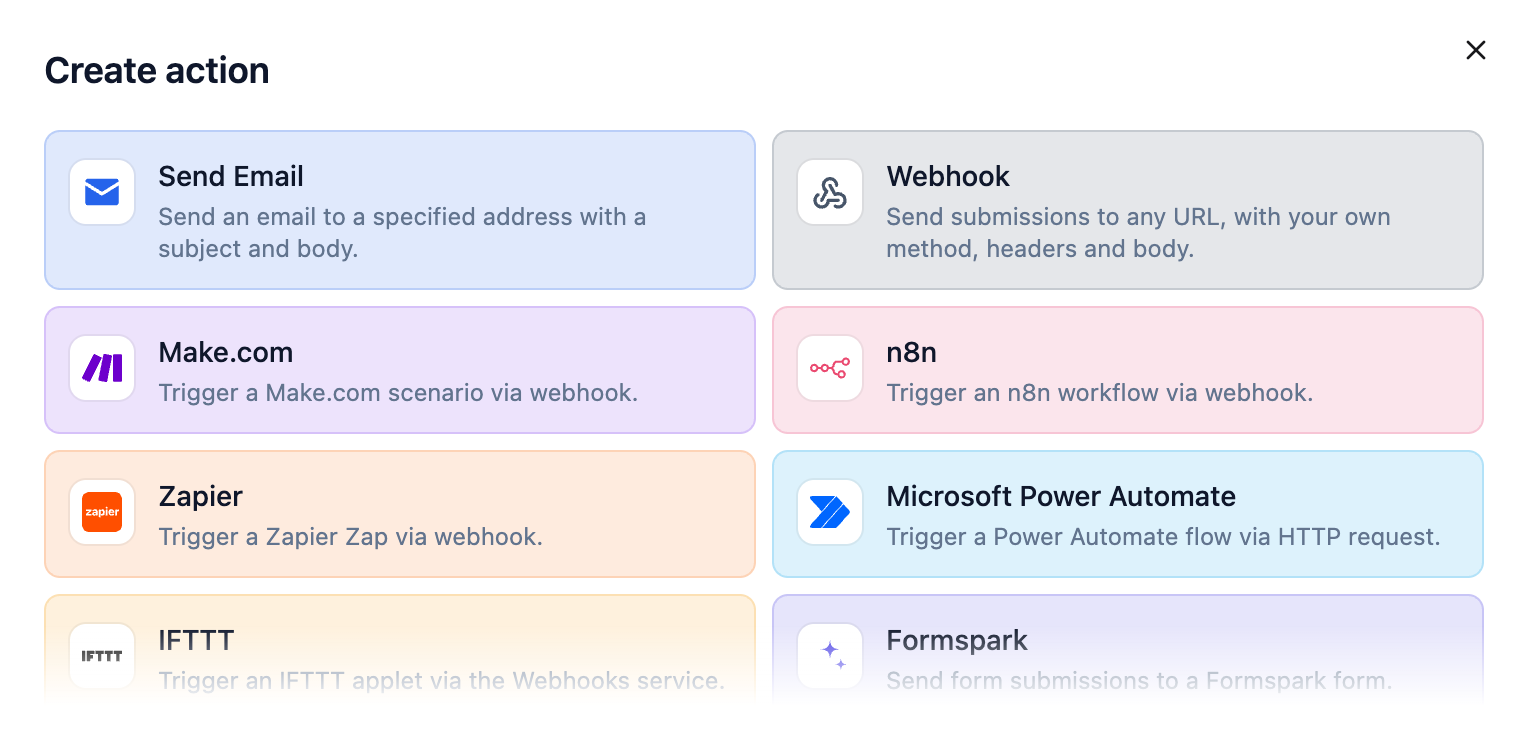
Pick one, and follow its guide:
- Zapier: Google Sheets, HubSpot, Slack and thousands more.
- Make: the same idea, with visual scenarios.
- n8n: cloud or self-hosted.
- Microsoft Power Automate: Excel, Teams, Outlook.
- IFTTT: phone alerts and smart home.
- Airtable: a new row for each one.
- Telegram: a message on your phone.
- Formspark: keep it with your other forms.
- Webhook: any URL, your own headers and body.
- Email: straight to your inbox.
Each widget runs one action at a time. Pick another and it takes over.