 Widgeteer
Make, the one that used to be Integromat, connects to thousands of apps.
Point your widget at a Make scenario, and every submission starts it.
In Make
- Make a new scenario.
- Add Webhooks > Custom webhook as the trigger.
- Click Add, give the webhook a name and click Save.
- Copy the URL it gives you.
In Widgeteer
Open your widget, click Create action under When someone submits this widget, then pick Make.com.
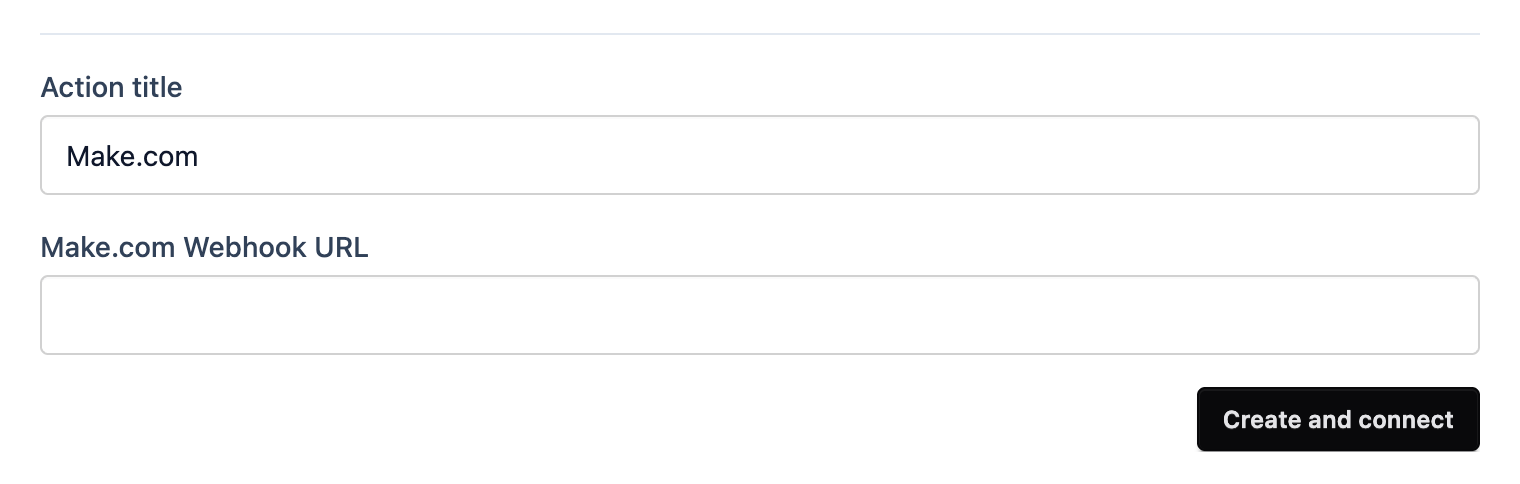
- Give it a title you’ll recognise.
- Paste the URL into Make.com Webhook URL.
- Click Create and connect.
While the webhook is listening, submit a test from the preview. Make picks up the fields so you can map them. Not listening any more? Click Run once in Make first.
Then switch the scenario on. Until you do, submissions wait in a queue.