 Widgeteer
You keep everything in Airtable. Your leads should go there too.
No Zapier in the middle. Each submission becomes a new row.
In Airtable
- Make a table with a column for every field in your widget, named exactly the same. Use text columns (Single line text or Long text). Answers arrive as text, and a number, date or tick box column turns the row away.
- Make a personal access token at airtable.com/create/tokens with the
data.records:writescope, and give it access to your base. - Find your base ID. It starts with
appand sits in your base’s web address.
In Widgeteer
Open your widget, click Create action under When someone submits this widget, then pick Airtable.
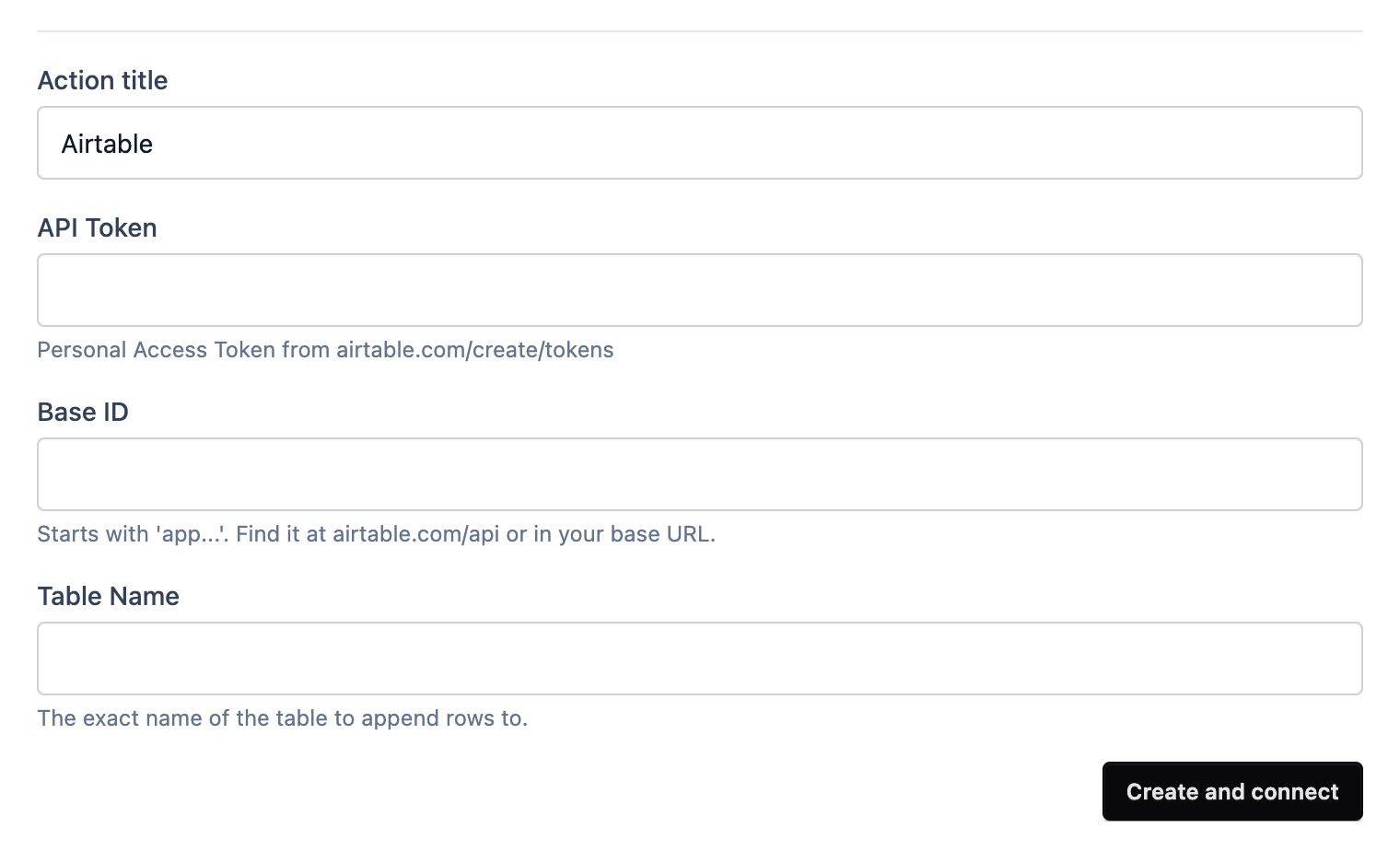
- Give it a title you’ll recognise.
- Paste your token into API Token.
- Paste your base ID into Base ID.
- Type the table’s name into Table Name, exactly as it is in Airtable.
- Click Create and connect.
Submit a test from the preview and a new row appears.
No row? Check Submissions. Airtable turns a row away if any field has no column with exactly the same name.