 Widgeteer
On WordPress: click Widgeteer in your WordPress dashboard menu. The steps are the same from there.
Email is slow. You want to know now.
So get a Telegram message for every submission. It takes two bots and two minutes.
In Telegram
- Open @BotFather, send
/newbotand follow along. Copy the bot token it gives you. - Open @userinfobot and tap Start. It replies with your chat ID.
- Message your new bot once. Bots can’t write to you until you’ve said hello.
Want it in a group instead? Add your bot to the group, then forward a message from the group to @userinfobot. The group’s chat ID starts with -100. For a channel, make the bot an admin.
In Widgeteer
Open your widget, click Create action under When someone submits this widget, then pick Telegram.
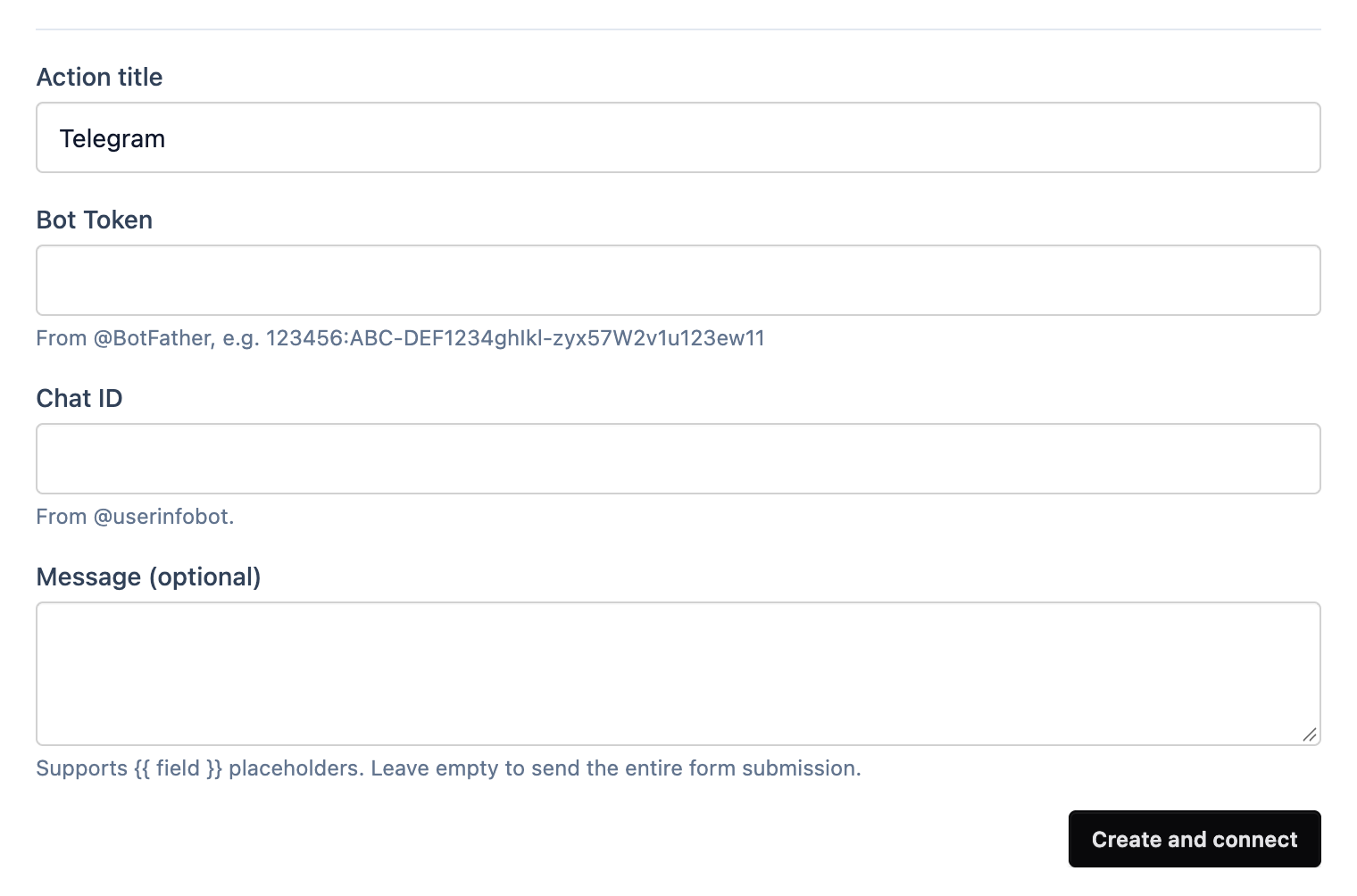
- Give it a title you’ll recognise.
- Paste the token into Bot Token.
- Paste your chat ID into Chat ID.
- Leave Message empty to get the whole submission. Or write your own, with
{{ field }}placeholders likeNew booking from {{ name }}. More on templates. - Click Create and connect.
Submit a test from the preview. Your phone should buzz.