 Widgeteer
On WordPress: click Widgeteer in your dashboard menu. The steps are the same from there.
Emails go missing. Inboxes get busy.
So every submission is also saved in Widgeteer. If someone sent it, it’s here.
Click Submissions in the side menu.
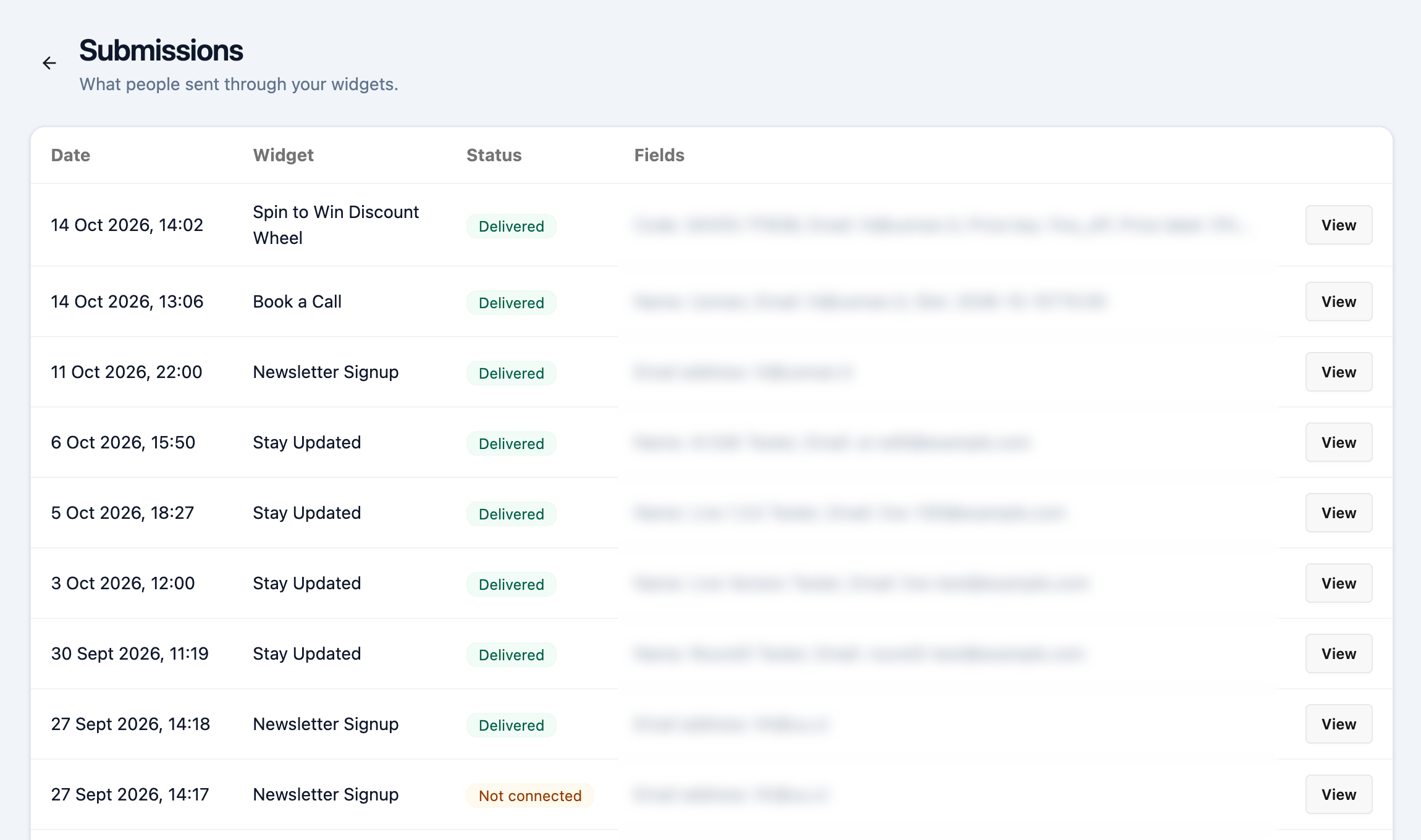
- Check the Status. Delivered means your actions ran, so it reached your inbox or app.
- Click View to open one.
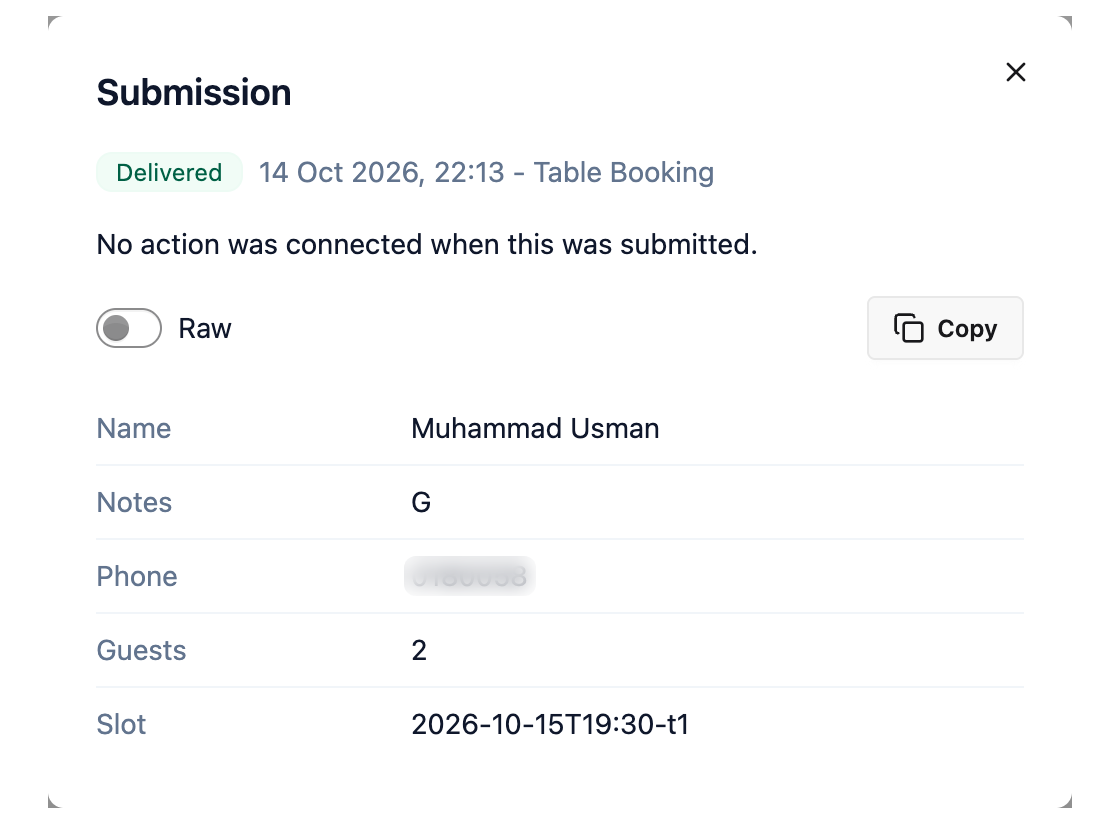
You see where it was sent and every answer. Copy grabs them all.
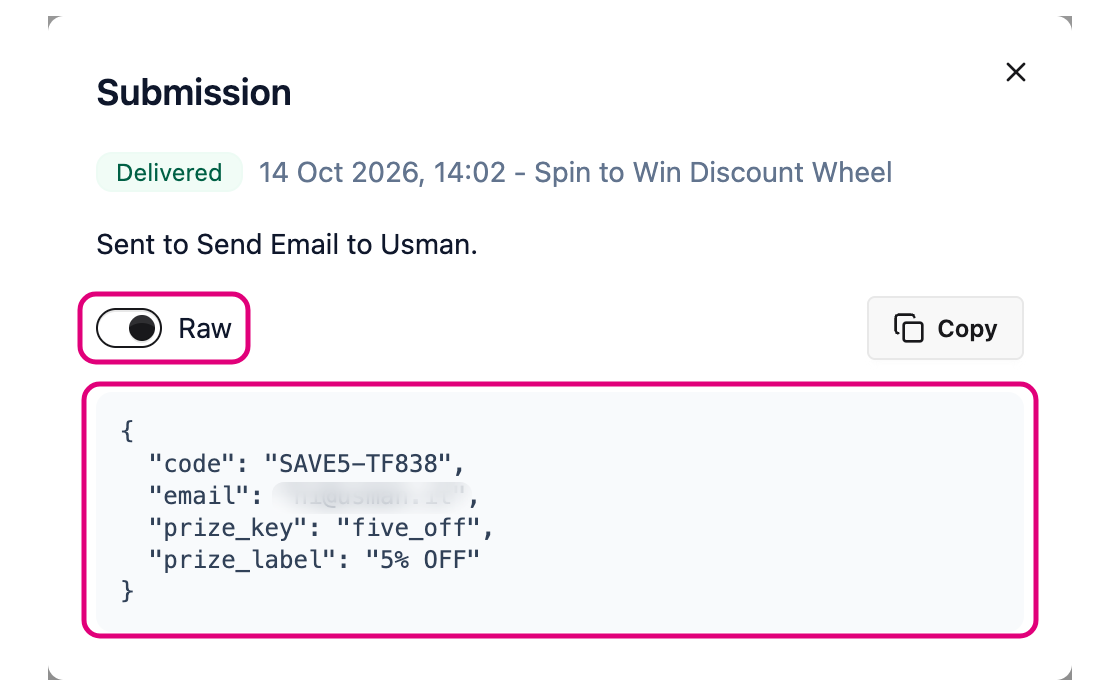
Switch on Raw to see the data as your apps get it.
Seeing Failed? Open it to see which action failed and why, like a wrong link or an expired token.
Seeing Not connected? The widget had no action switched on. Switch one on so the next one reaches you.