 Widgeteer
On WordPress: click Widgeteer in your WordPress dashboard menu. The steps are the same from there.
Open your widget from Widgets. The preview is on the left.
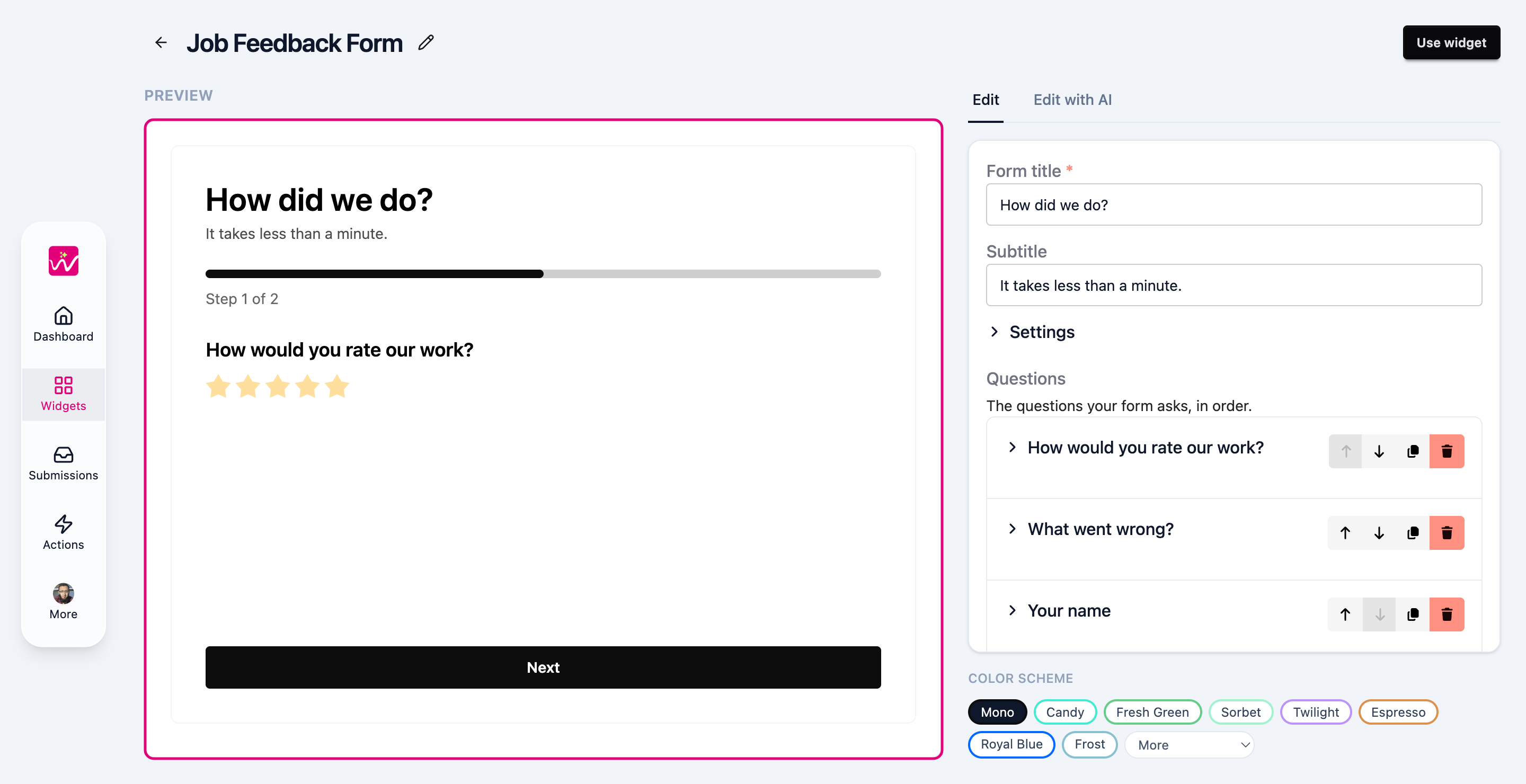
It isn’t a picture. It’s your actual widget, and it changes as you edit.
So test it. Fill it in and submit it. Your actions run, the email lands, and it shows up in Submissions, just like it would on your site.
Next, edit your widget.