 Widgeteer
On WordPress: click Widgeteer in your dashboard menu. Widgeteer sends the emails itself, so no SMTP or mail plugin needed.
Someone fills in your form. Where does it go?
That’s what actions decide. Email is the simplest one. You may already have it, because we make one for you when you sign up.
Switch it on for a widget
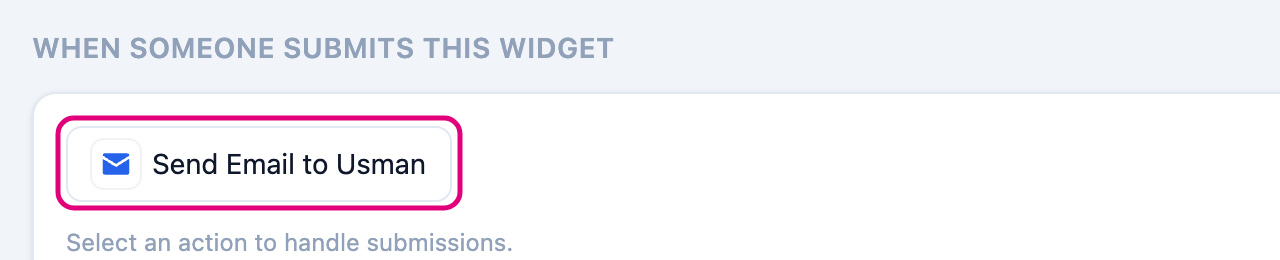
Open your widget and scroll to When someone submits this widget.
Click an action to switch it on. Click again to switch it off.
Make a new email action
-
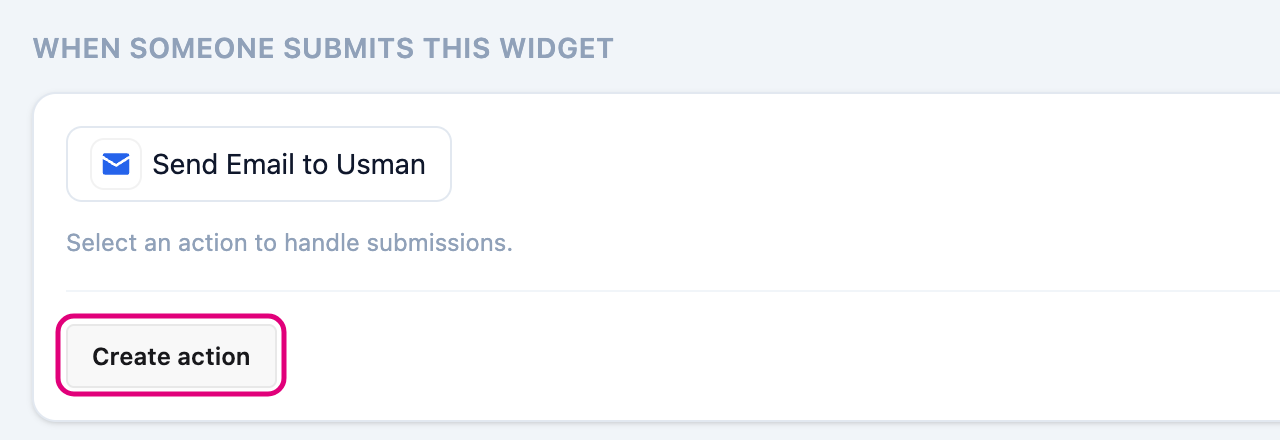
Click Create action.
-
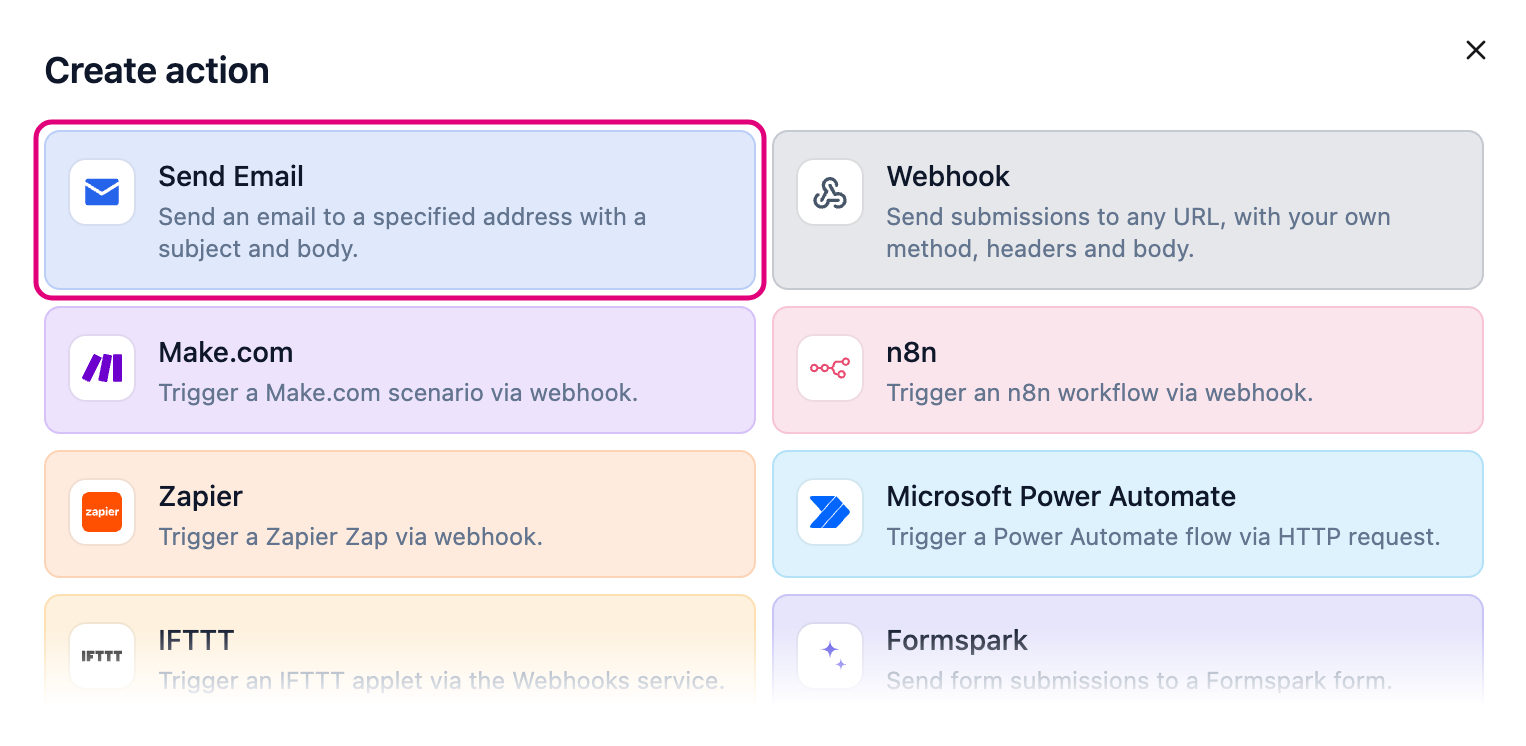
Pick Send Email.
-
Fill in the form.
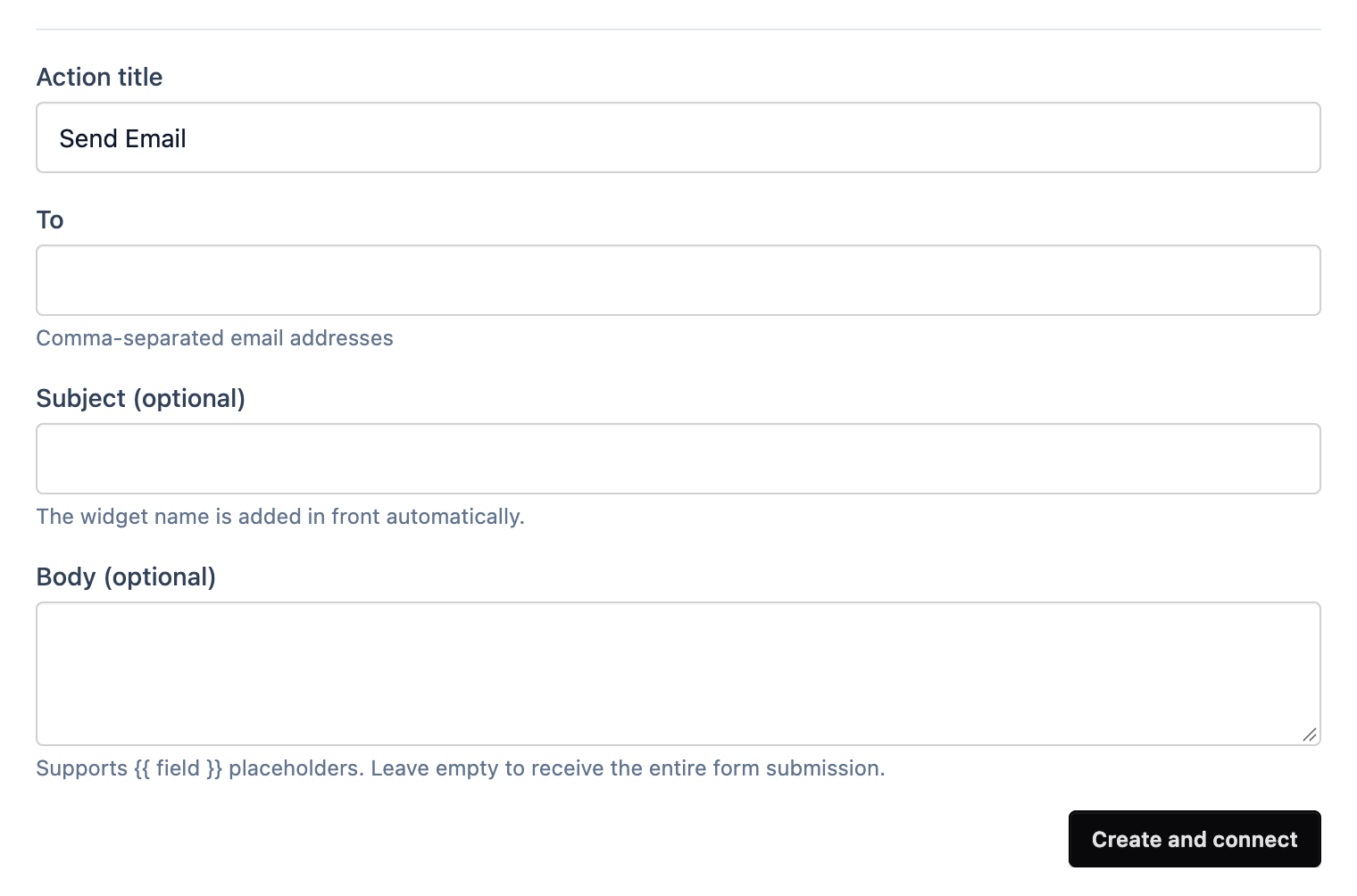
- To: who gets it. Separate several addresses with commas.
- Subject: the widget’s name goes in front automatically.
- Body: leave it empty to get the whole submission. Or write your own, with
{{ field }}placeholders like{{ name }} wants a call back. More on templates.
-
Click Create and connect.
Each widget runs one action at a time. Want somewhere else instead? See all actions.