widgeteer
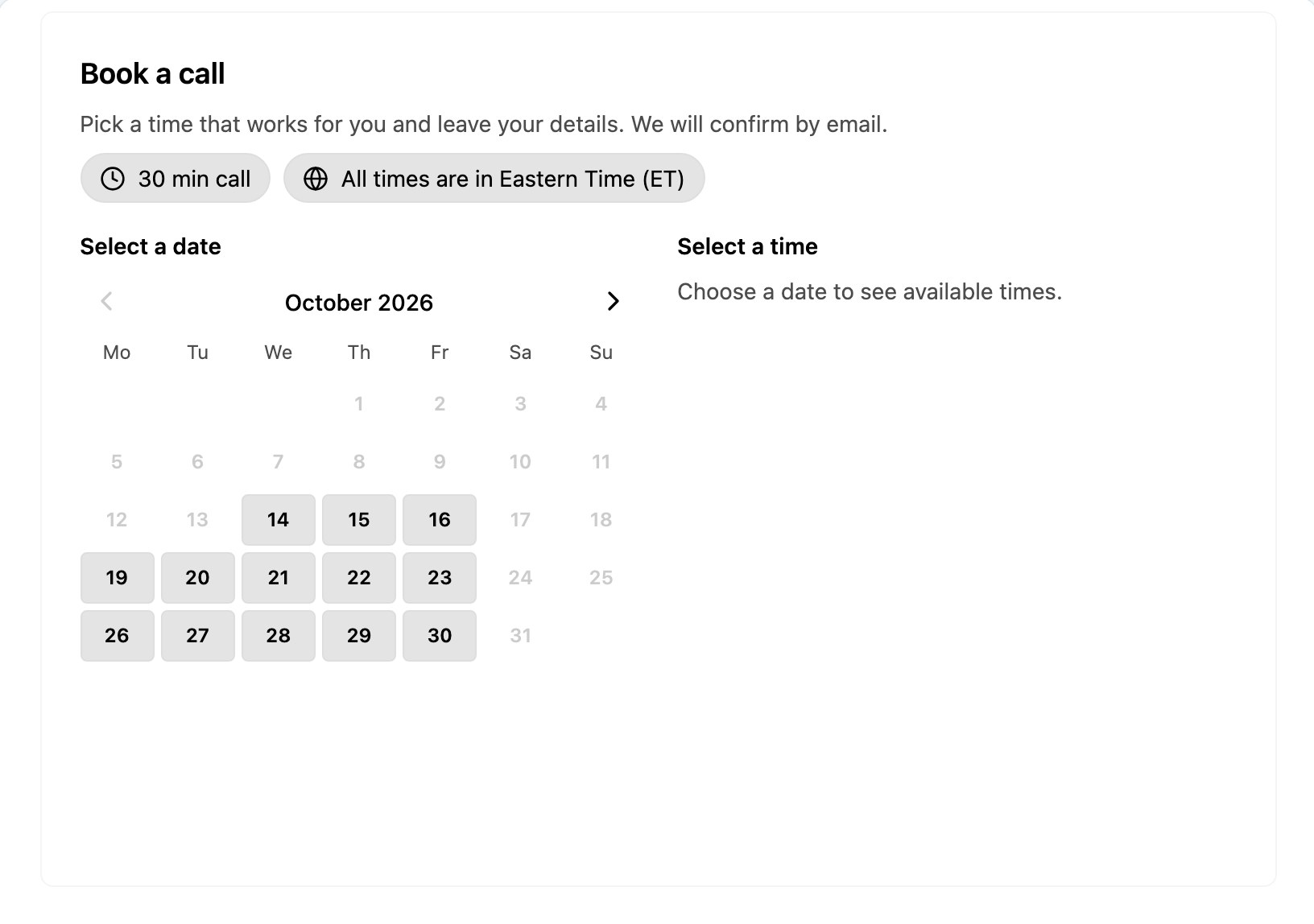
Walk-ins are fine until three couples turn up at once wanting to talk about kitchens. An appointment only showroom gives every visitor your full attention, and this widget handles the booking. Customers pick a day, choose a one hour slot, tell you what they are interested in and leave their details. You get the booking. They get a confirmed time.
It remembers every booking
This is the clever bit. The widget has a memory. When someone books Thursday at 11am, that slot shows as booked for every other visitor straight away. If two people click the same slot at the same moment, only one gets it and the other is asked to pick another time. No calendar to connect, no spreadsheet to keep in sync, no double bookings.
What customers see
- A week at a time, with arrows to look ahead
- Each slot marked available, booked or already passed
- A short details step: name, phone, email
- A “what are you interested in?” question, so you know whether to have the kitchen designer or the flooring expert on hand
- A clear confirmation once they are booked in
What you can change
- The days you are open and your opening and closing hours
- How many weeks ahead people can book
- The interest options, such as kitchens, bathrooms and flooring, or cars, sofas, wedding dresses or whatever your showroom sells
- Every label, button and message, plus the date language
- Over 30 colour schemes to match your brand
Each booking is emailed to you, pinged to Telegram, added to Airtable, or sent to Zapier, Make, n8n and a growing list of other tools.
One tool for the whole site
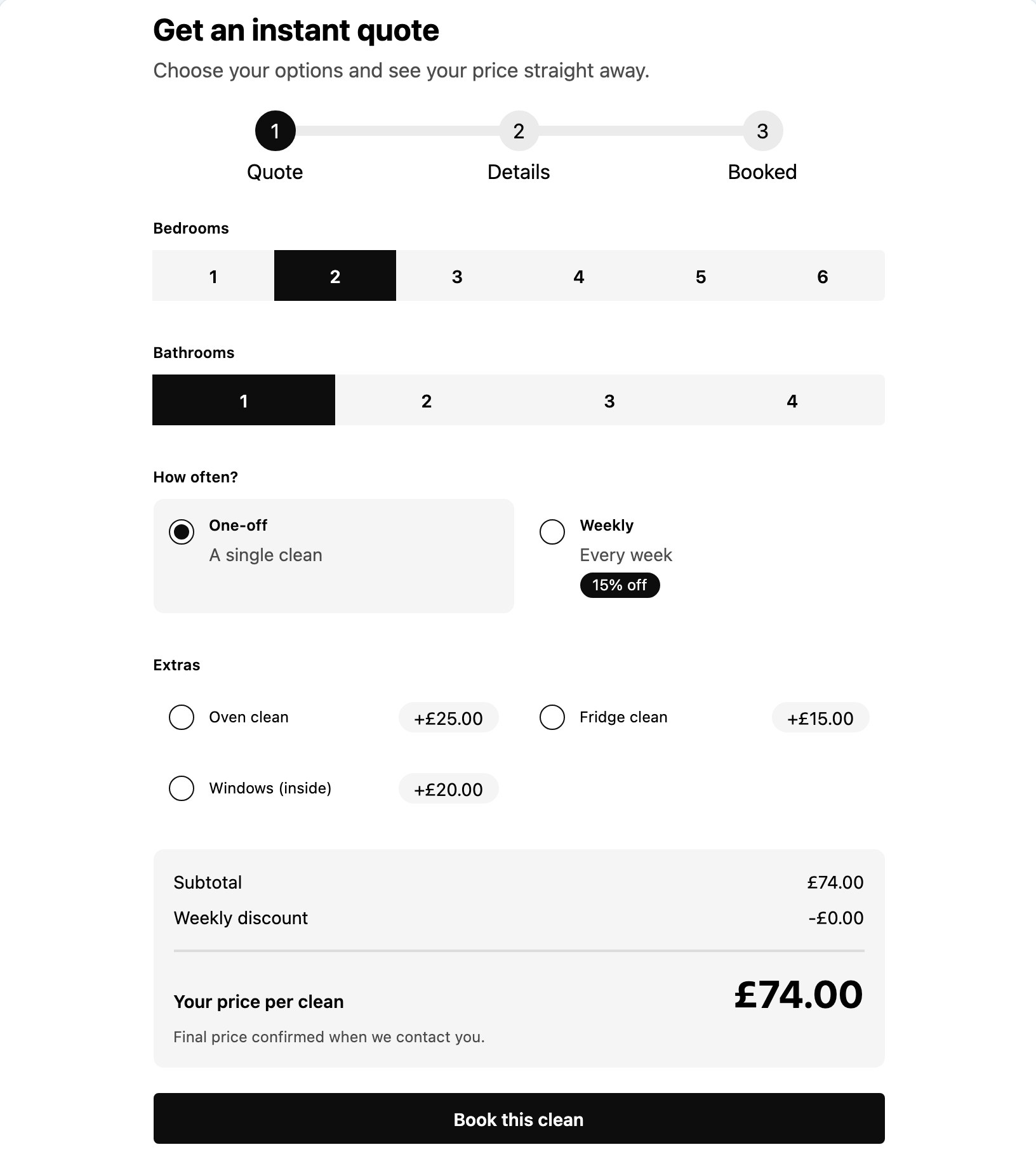
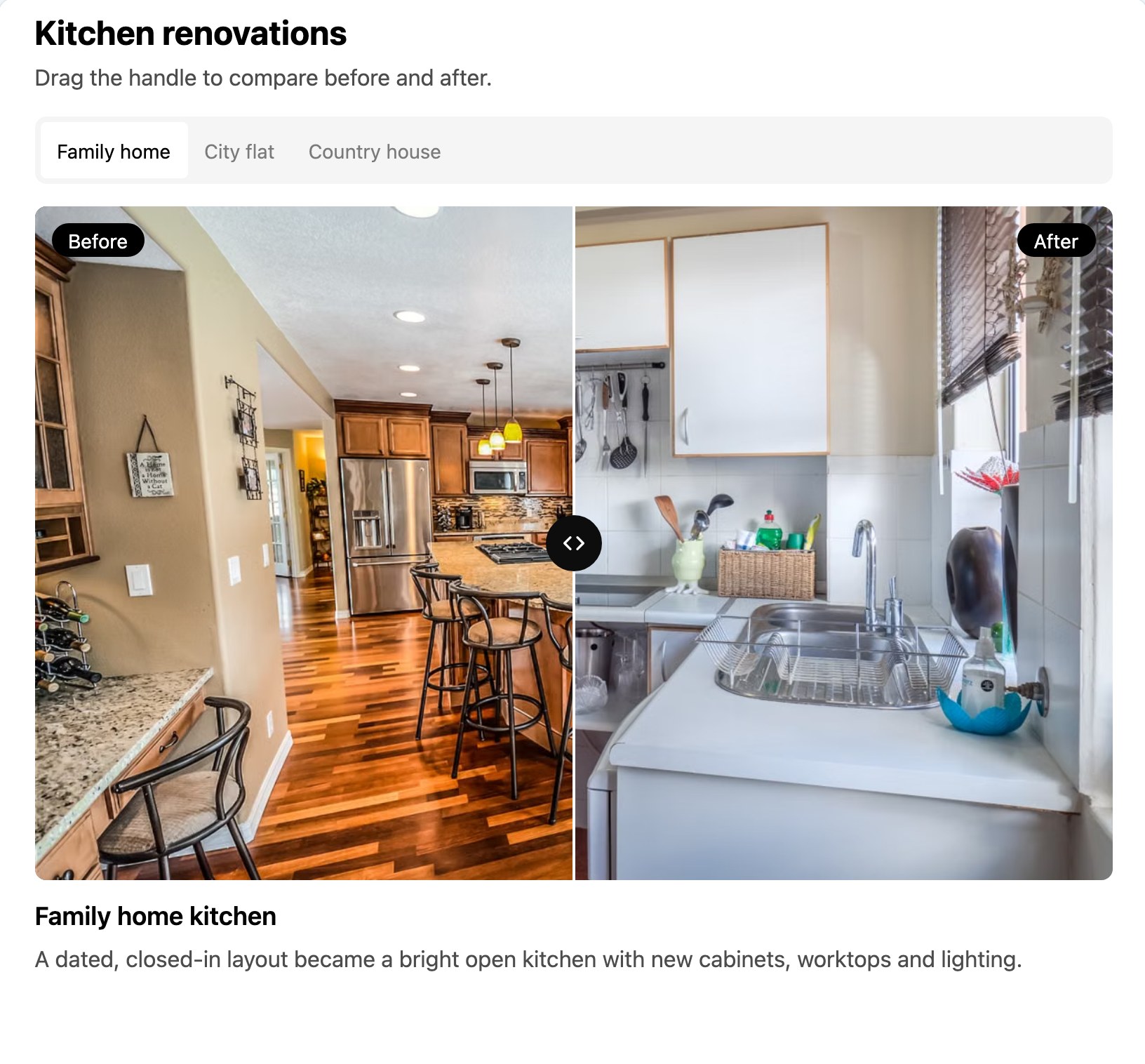
A booking app does bookings. Widgeteer builds this showroom booking widget, then your before and after gallery, your quote calculator, your opening hours with a holiday notice, your FAQ and anything else you describe, all from one account. It works on WordPress, Shopify, Wix, Squarespace or any site that takes an embed code.