Widgeteer
A clear pricing page answers the question people are too shy to email about. This pricing table lays out three plans side by side, highlights the one you want most people to pick, and has a monthly or yearly switch that updates every price at once. Change the plans above and it is ready to go.
What it does
- Three plan cards with a name, a one line pitch, a price and a list of what is included
- A monthly and yearly toggle, with a “Save 20%” badge so the saving is obvious
- A “Most popular” label and a stronger border on the plan you want to push
- A button on each card that links to your checkout, sign up or contact page
- Over 30 colour schemes, so it sits nicely next to the rest of your site
Who it is for
Coaches with three packages. Agencies with a retainer ladder. Gyms, cleaners, tutors, software, membership sites. If you sell more than one level of the same thing, a pricing table saves you from writing it out as a long paragraph nobody reads.
Why not build it in your page builder?
You can, and you will spend an afternoon lining up columns and then do it all again when a price changes. Here you change the number in a form, the preview updates as you type, and every page that shows the table picks up the new price straight away.
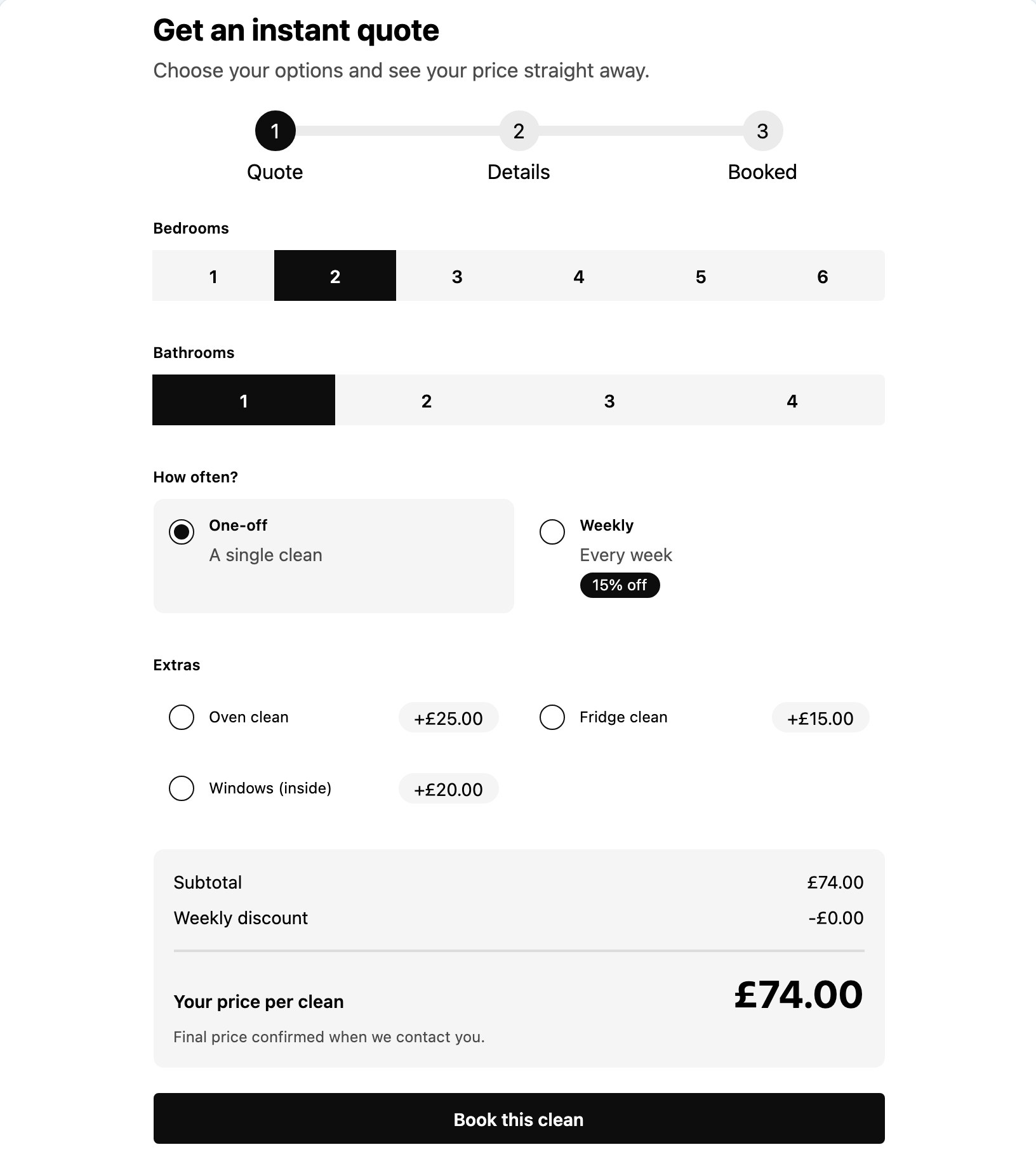
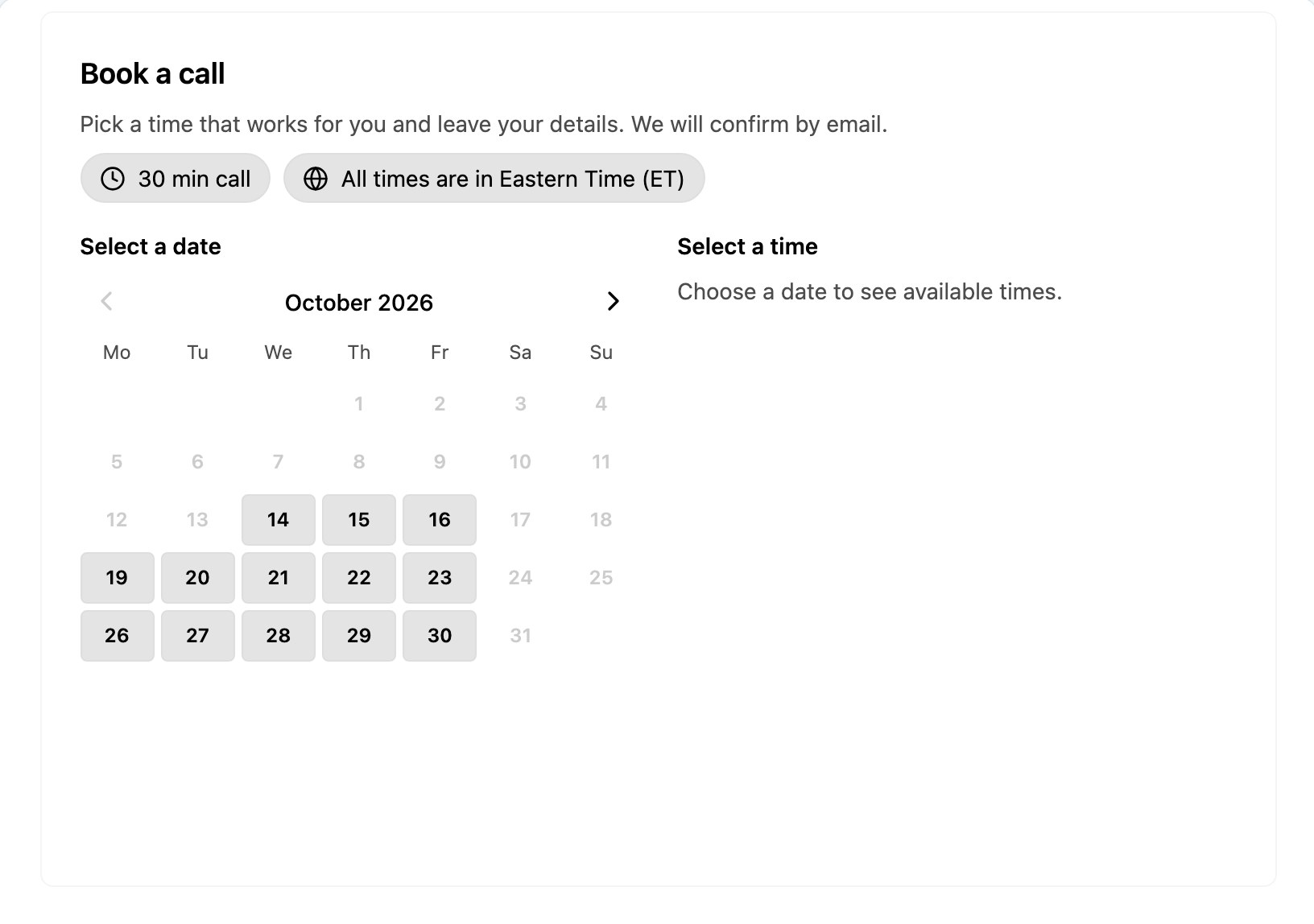
The same goes for everything around it. Ask Widgeteer for an FAQ under the prices, a booking form for the plan they pick or a quote calculator for custom jobs, and it builds those too. One tool instead of a pricing plugin, a forms plugin and a booking app.