 Widgeteer
You’ve got an idea for a widget. You don’t have a developer.
You don’t need one. Describe it the way you’d text a friend.
Click Create widget on your dashboard.
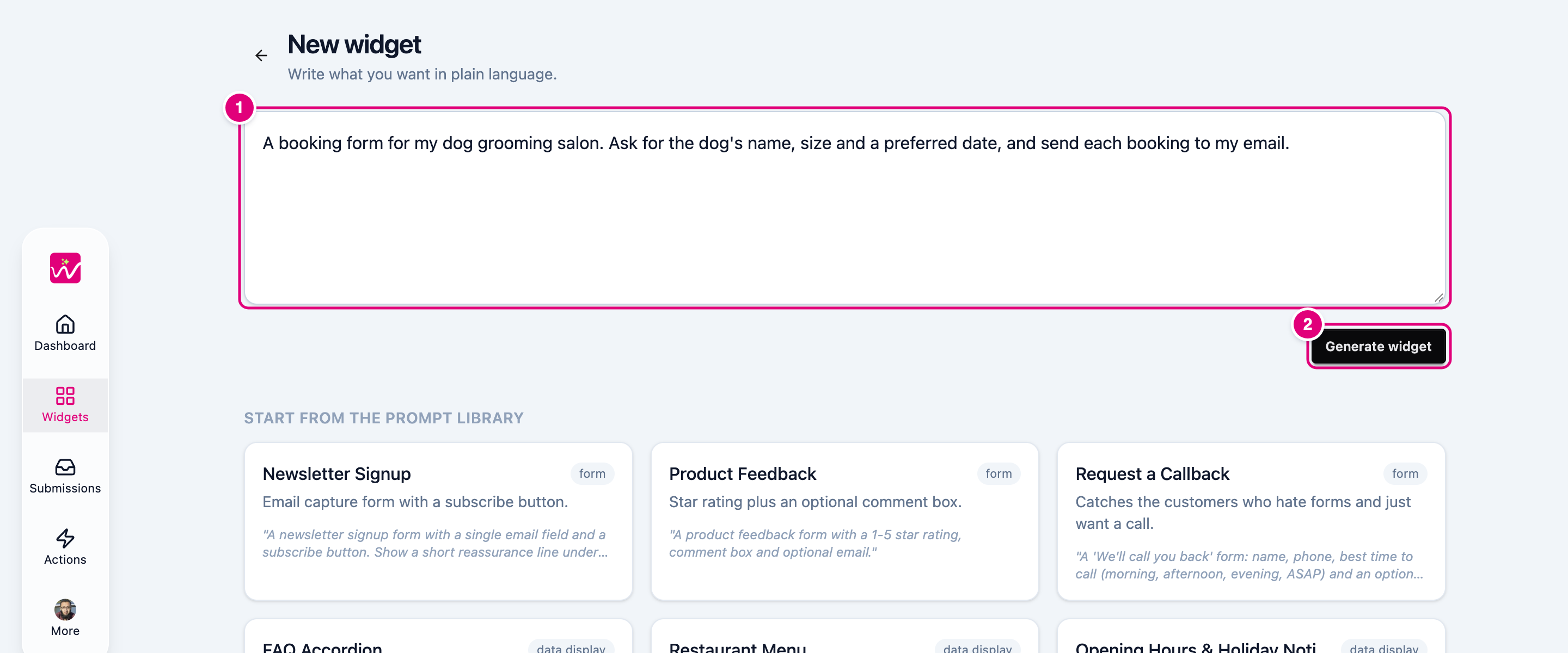
- Describe it in your own words. Say what it’s for and what it should ask.
- Click Generate widget. A few seconds later your widget opens with a live preview.
Or start from a ready widget
Not sure what to write? Don’t. Under the box there’s a showcase of ready widgets: booking forms, review boosters, quizzes, mini courses and more.
We built each one, then tested it ourselves, by hand, before it went in.

Click one to open it. You can try it, change the words and colours, even switch on actions, all before it’s yours.

- Copy and edit makes it yours, with any changes you’ve made. It opens as your own widget.
- Use prompt puts the prompt behind it in the box instead, so you can tweak it and generate your own version.
Magic happens when AI creations meet human curation and testing.
Next, preview your widget.